
Stellantis · Workflow
From simple photos to a realistic video
Step by step
How the video was made
We plan the story around what buyers need to see, then work through these four steps.
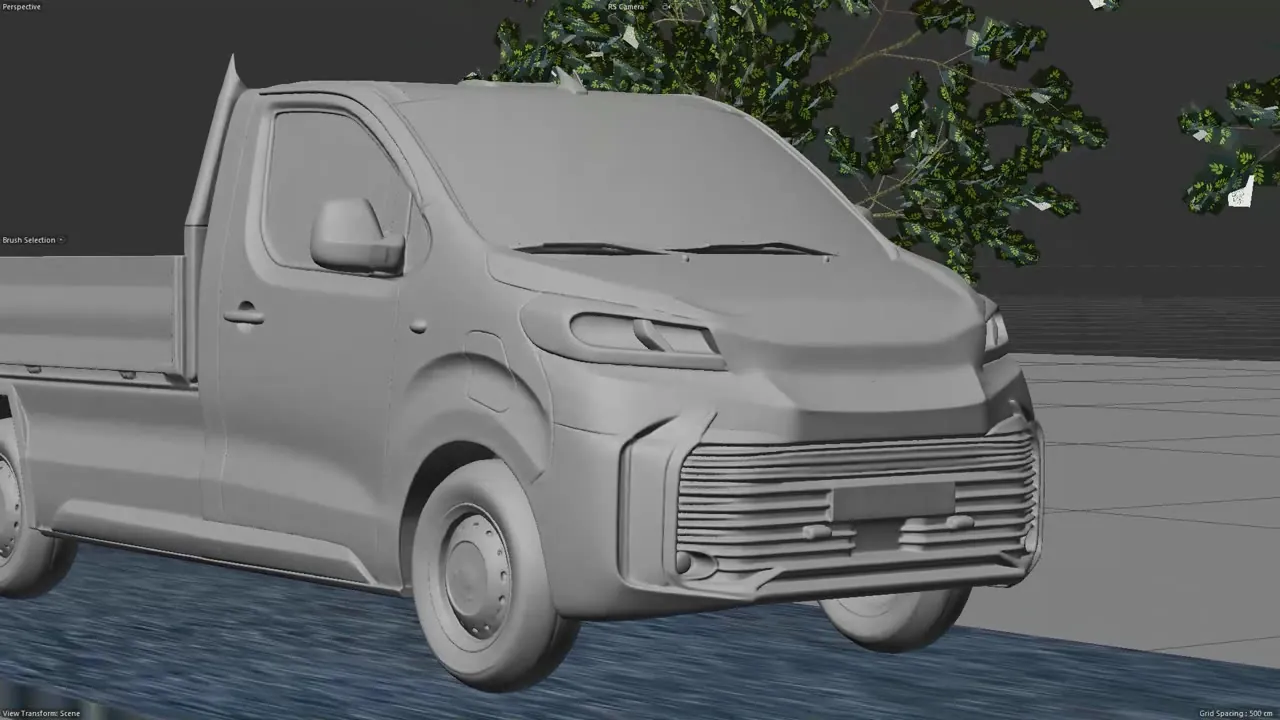
Drag to turn Clay 3D model
Built from the Stellantis photos, it helps control the pickup's shape and proportions.
Camera move
We plan the camera move and the street around the clay model in Cinema 4D.
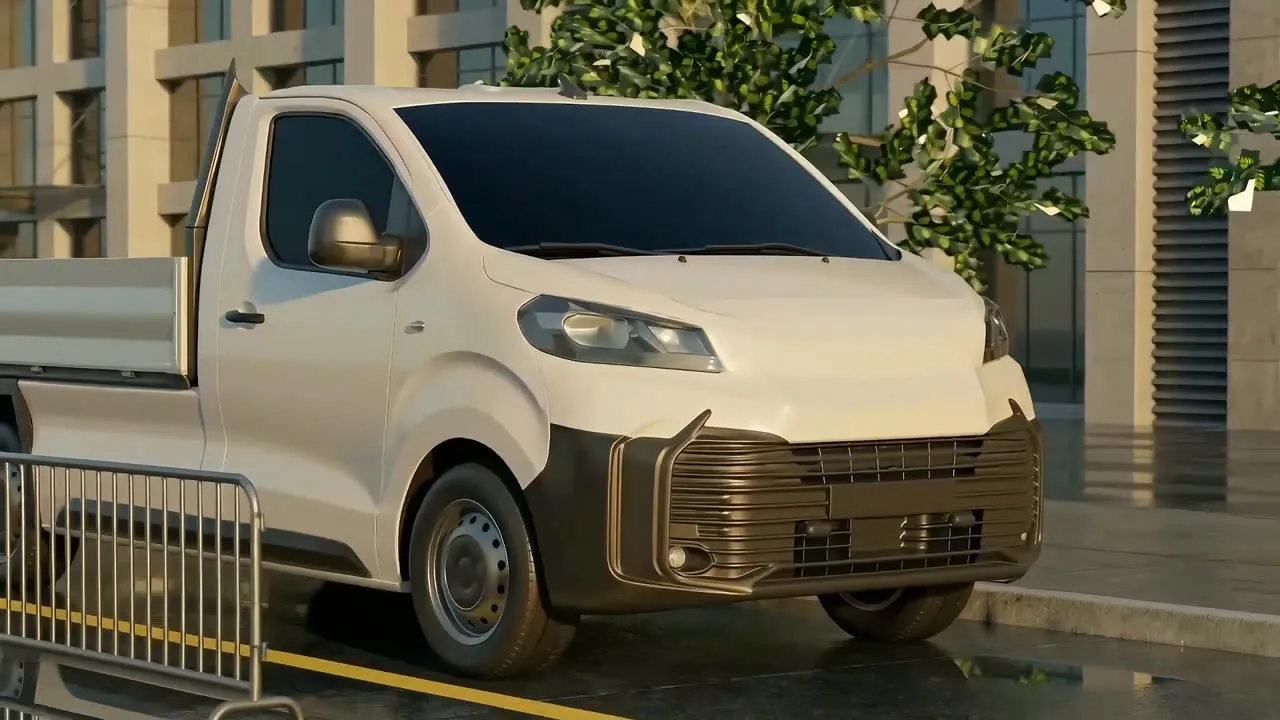 Clay frameAI frame
AI key frame
AI gives the clay frame a realistic look, and the client approves key frames before the video pass.
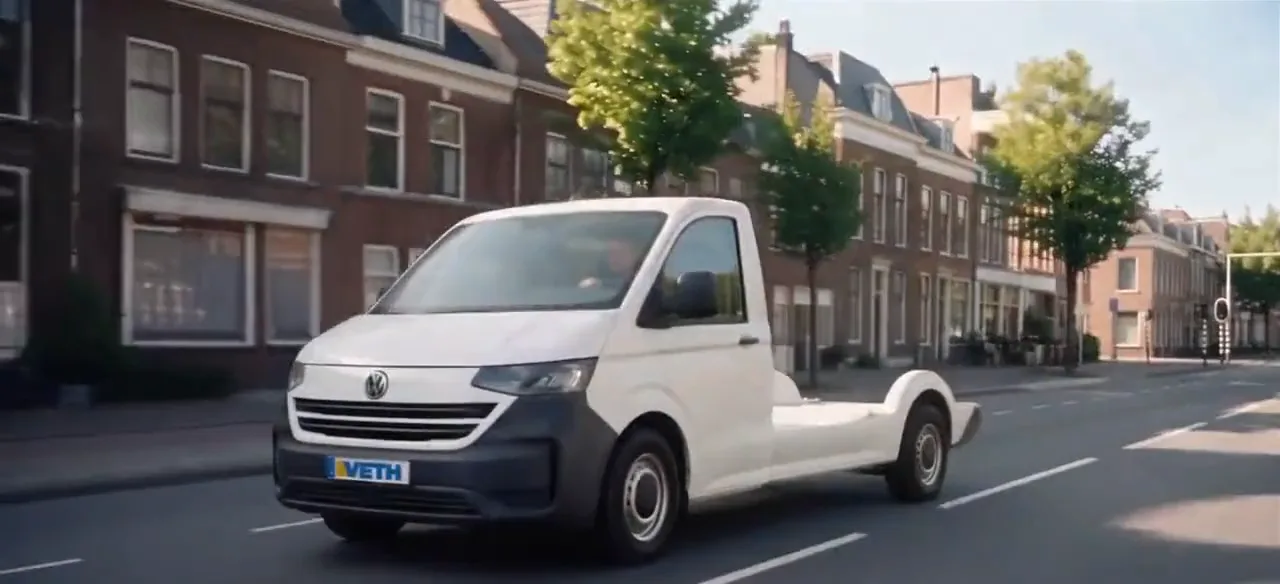
AI video pass
The AI video follows the camera move from step 02, so both loops here play in sync.
Start with the photos you have
They don't need to be polished, and you don't need a plan yet.